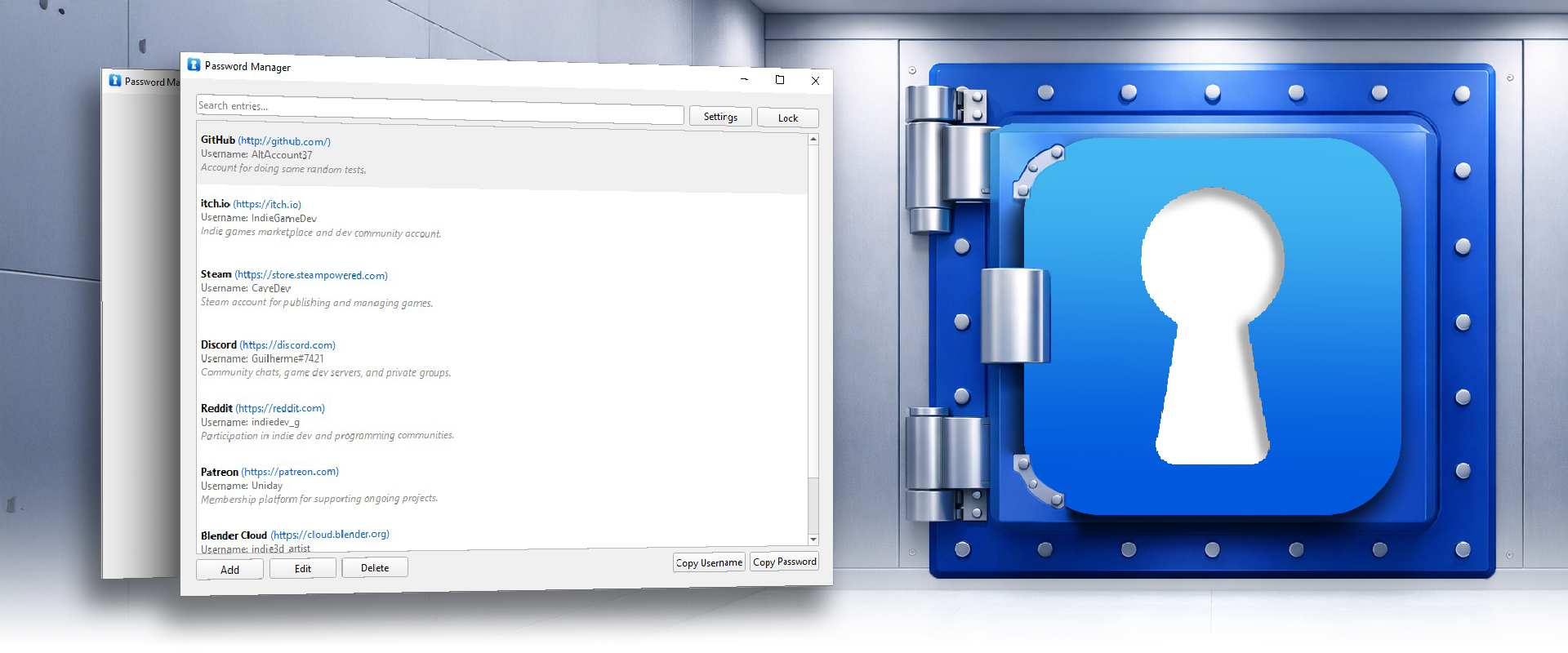
LocalVault - Offline Password Manager
A downloadable tool for Windows
OFFLINE | LOCAL | NO CLOUD | NO ACCOUNT
Your passwords stay on your machine. Period.
No servers to trust. No companies to rely on. No breaches to worry about.
What Is This?
A truly offline password manager for Windows. No cloud sync, no account creation, no background connections - just a simple, encrypted vault that lives exactly where you put it.
One master password unlocks everything. When it's locked, nothing is accessible. When you quit, your data stays encrypted on disk. It's password management stripped down to its essentials: security, simplicity, and local control.
See It In Action
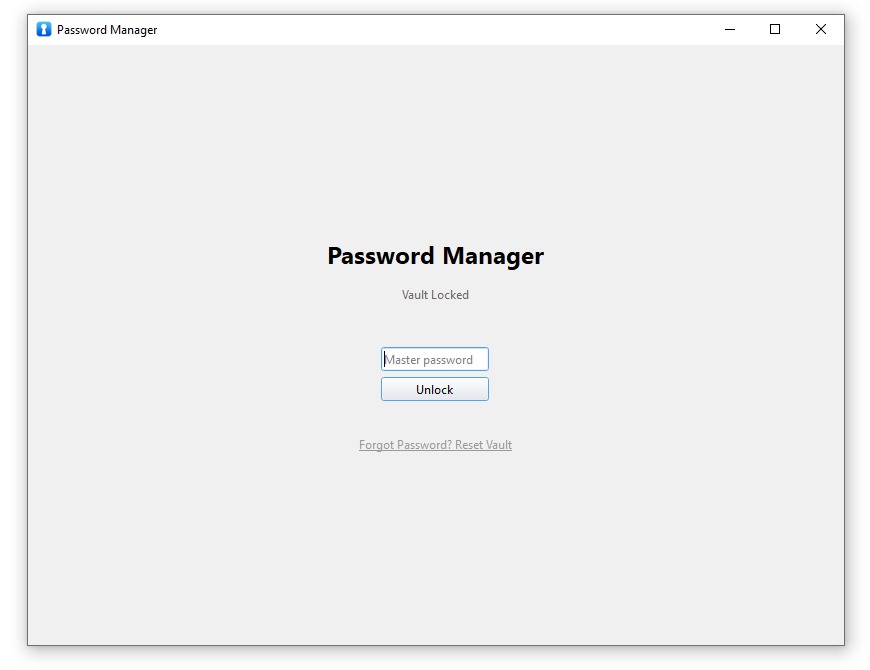
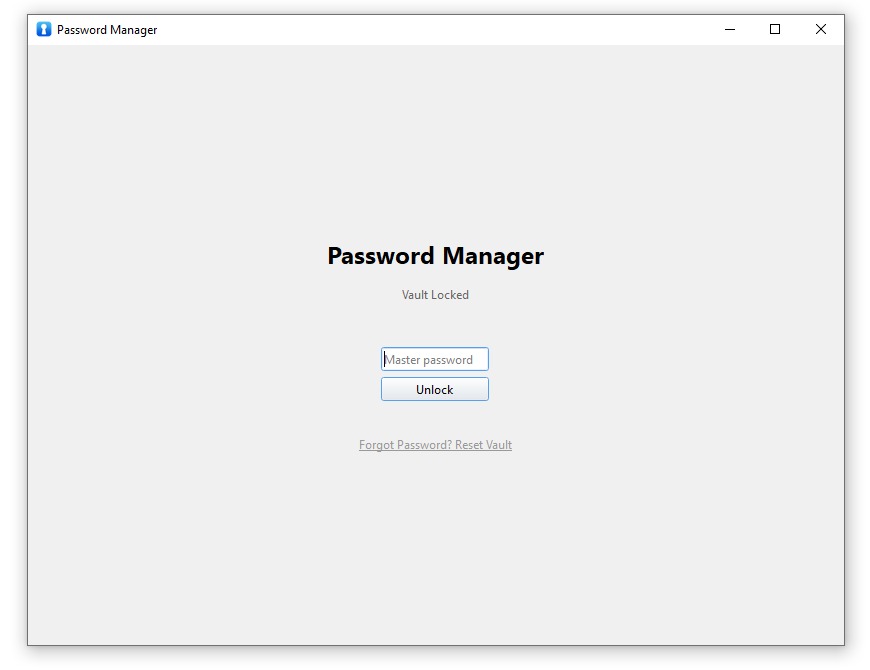
Clean, minimal locked screen - one password stands between you and your vault
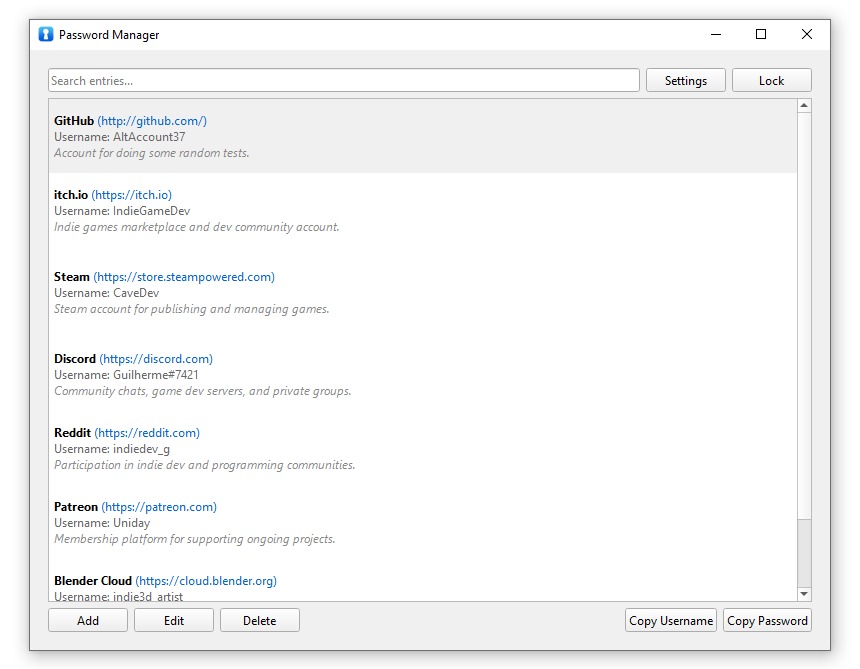
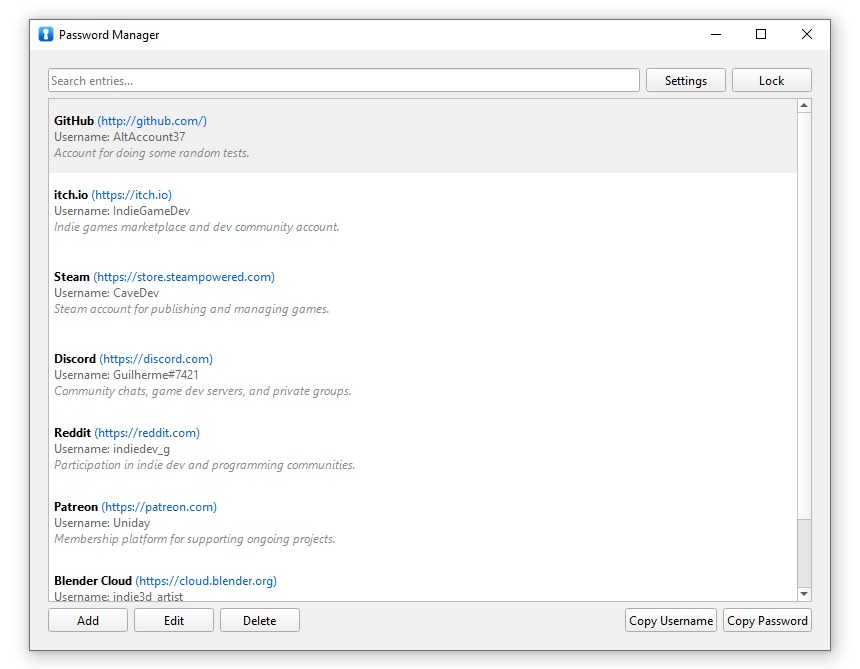
Your passwords, organized and searchable - copy with one click
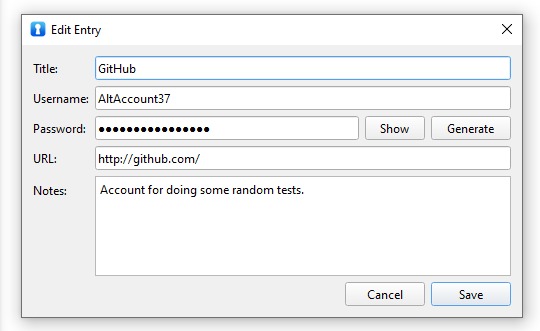
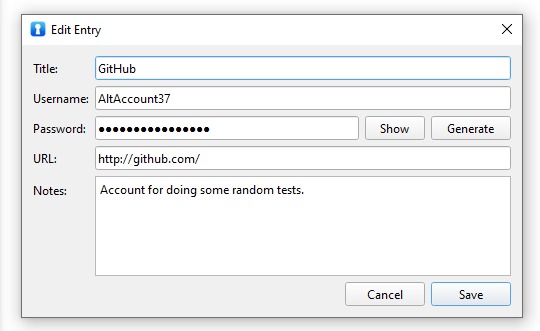
Simple entry editor with built-in password generator
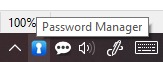
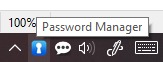
Lives quietly in your system tray, ready when you need it
Why Choose Local-First?
Zero Cloud Trust Model
You don't have to trust servers, companies, or breach disclosures. Security is local, simple, and fully under your control - by design. No third party ever sees your data.
Local-First, User-Owned Data
Your vault is a single encrypted file stored exactly where you choose. Move it, copy it, back it up to multiple locations, or keep it on a USB drive - without relying on any external service.
One Master Password, No Accounts
No usernames, no emails, no recovery servers. Your master password is the only key, and it never leaves your device. If it's locked, nothing is accessible. Simple, clean, secure.
What You Get
Strong Encryption
Industry-standard AES-256-GCM with Argon2id key derivation. Everything written to disk is encrypted, always.
Portable & Zero Install
Just download and run. No installer, no admin rights, no system services. Works from any folder or USB drive.
System Tray Integration
Lives quietly in the system tray. One click to open, lock, or quit. No clutter, no distractions.
Smart Auto-Backup
Configure multiple backup locations - USB drives, network folders, anywhere you want. Backups happen automatically.
Auto-Lock Security
Automatically locks after inactivity or when Windows locks. Your passwords stay protected even if you walk away.
Password Generator
Built-in cryptographically secure password generator. Create strong, random passwords instantly.
Quick Search
Find passwords instantly with real-time search. No fumbling through lists.
Minimalist by Design
No browser hooks, no background scanning, no telemetry. Less code means fewer bugs and clearer security.
Design Philosophy
Minimalism as a security feature. This app doesn't have browser extensions, cloud sync, smart heuristics, or auto-fill magic. Why? Because every feature is potential attack surface, and every dependency is something else that can break or leak.
Predictable and transparent behavior. No telemetry, no auto-updates, no surprise features. What the app does today is what it will do tomorrow - clearly, consistently, and locally. You're in control.
Built for people who value control. If you care about where your data lives, how it's protected, and who has access to it, this tool was made for you. It's password management for people who don't want to outsource trust.
Who Is This For?
- You want a password manager that never touches the internet
- You don't trust cloud services with your most sensitive data
- You prefer tools that are simple, transparent, and predictable
- You want full control over your backups and storage location
- You value portability - run it anywhere without installation
- You appreciate software that does one thing well and stays out of your way
How It Works
- First run: Create a master password - this is the only key to your vault
- Add passwords: Store website URLs, usernames, passwords, and notes
- Copy when needed: One-click copying with auto-clear clipboard for security
- Lock when done: Manual lock or auto-lock after inactivity
- Your vault file: Stored in AppData, fully encrypted, always protected
- Backups (optional): Configure backup locations and the app syncs automatically
Technical Details
Platform: Windows (portable .exe, no installation)
Encryption: AES-256-GCM (authenticated encryption)
Key Derivation: Argon2id (memory-hard, resistant to GPU attacks)
Data Storage: Single encrypted file in %APPDATA%\PasswordManager\
Internet Required: Never. Works 100% offline, permanently.
Single Instance: Prevents multiple instances from running simultaneously
Your Passwords. Your Machine. Your Control.
No cloud to breach. No servers to trust. No subscriptions to maintain.
Just simple, strong, local password management - the way it should be.
Purchase
In order to download this tool you must purchase it at or above the minimum price of $2.99 USD. You will get access to the following files: